Meet QuoKid: a few minutes of practice, ready every morning
The quokid team
·
·
8 min read
Most parents want the same thing. They’d like their children to practise a little, most days, without it turning into a nightly negotiation. They don’t want to hunt for worksheets, sit beside every line, or guess whether any of it is sticking.
That’s why we built QuoKid. It’s homework that’s already waiting when the morning starts: a short set of activities, written for your child’s age and the topics you choose, with a clear finish and a plain-language view of how the week went. QuoKid is for children aged 5 to 11.
QuoKid is available now at learn.quokid.com. It runs in the browser on a tablet, laptop or computer, and mobile apps are on the way. Here’s a walk through what we’ve built.
What QuoKid is (and isn’t)
QuoKid is practice. It isn’t a classroom, a tutor, or a grade book, and it isn’t a social app: there are no ads, no chat and no public leaderboards. It’s a few minutes, most mornings, that a family can actually keep.
Each child gets a short set of activities in four subjects:
Maths
Science
Phonics
Spelling and grammar
A grown-up chooses which subjects and topics are switched on. QuoKid does the rest.
For children
Today’s activities, already there
When your child opens QuoKid, the day’s work is waiting: a handful of questions in each subject, with a clear count of what’s done. There’s no blank “what should we do?” moment. They tap a subject and start.
Questions a child can finish on their own
Activities come in five simple shapes: pick one, true or false, type it, fill the gap and spell it. The language is warm and simple, and the answer a child types is exactly what they should submit. That means a child can do a subject on their own and still know when they’re right.
Stars, and a bonus when they’re flying
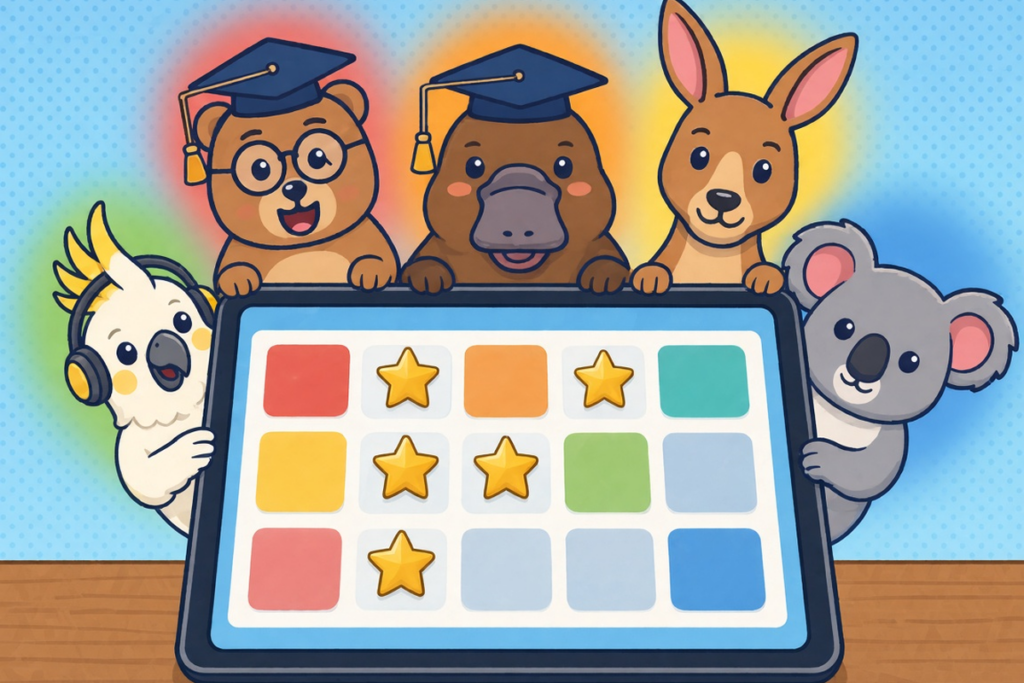
A correct answer earns one, two or three stars, with more for quicker answers. A wrong answer earns none, and your child still sees what the right answer was. Speed is celebrated without punishing a careful try.
When a child gets three correct answers in one subject quickly enough (the three times add up to ten seconds or less), QuoKid slips in a harder bonus question worth double stars. It’s a “one more” for a child on a roll, never a punishment.
Streaks
Answer something and the streak grows by a day. Miss a day and it starts again at one. A streak is a gentle reason to come back tomorrow, and something a grown-up can build a reward around.
A proper finish
At the end of each subject, your child sees a headline (Perfect, Brilliant, Nice work or Good try), their score, the stars they’ve just earned, and a note about whether tomorrow will be a little harder, a little easier or the same. Then it’s done. No endless scroll.
Make it theirs
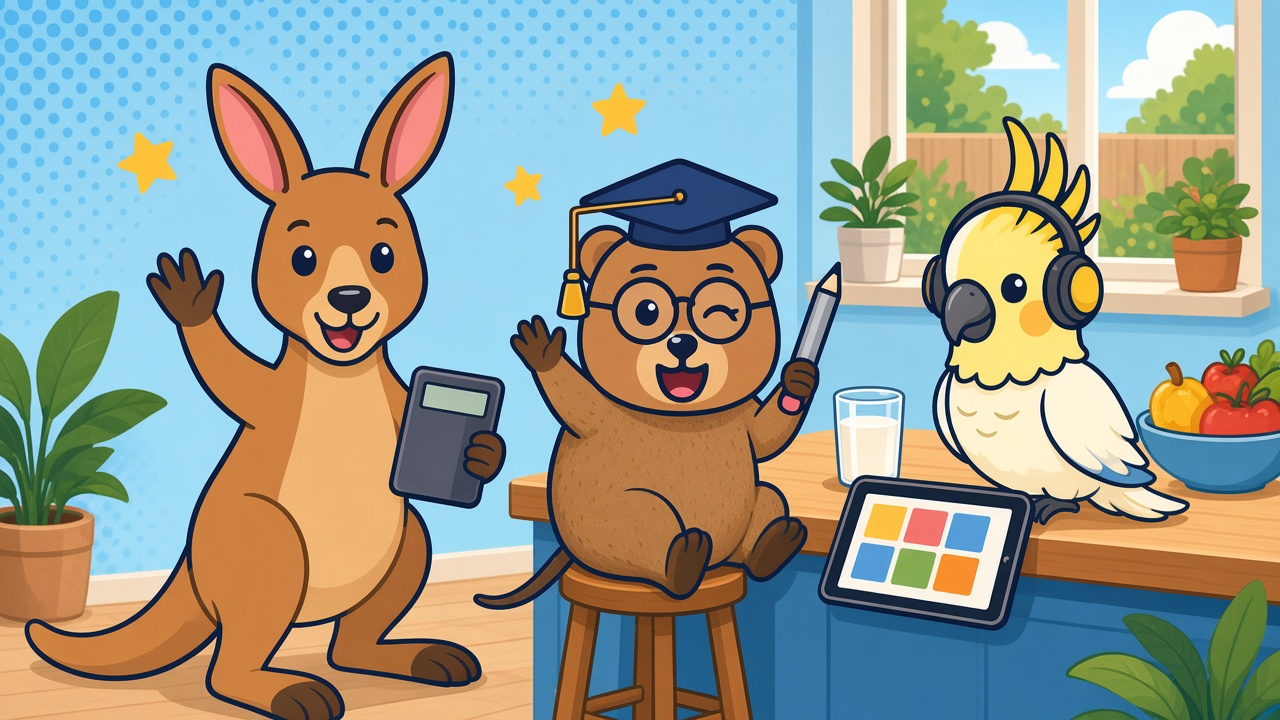
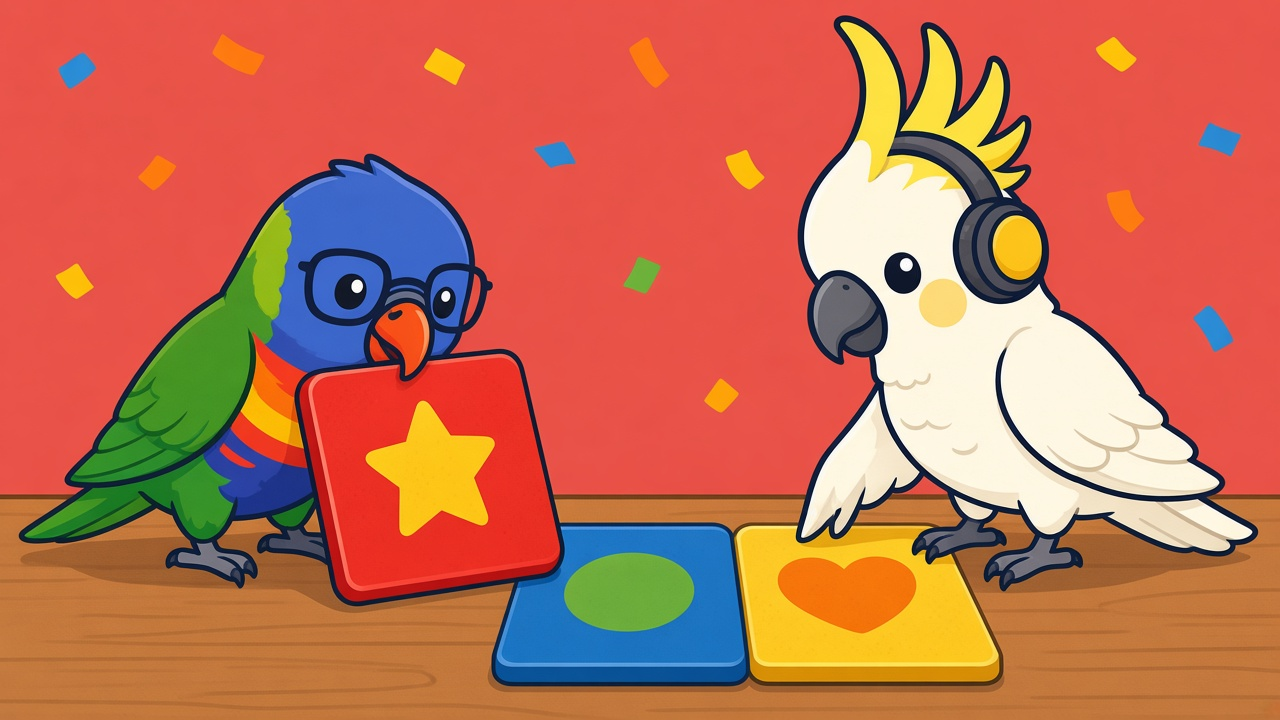
Each child picks a theme colour and an animal friend from the crew, including Quinn the quokka, Kip the kangaroo and Coco the cockatoo, along with Pip the platypus, Kobi the koala, Wally the wombat, Dash the dingo and the rest of the gang. They can also pick an interest, from dinosaurs and space to football. On a shared tablet, their home screen feels like their own.
Choosing a reward
When a grown-up has published more than one reward idea, your child picks the one they’re working towards. Children try harder for a prize they chose themselves.
The big maths sheet
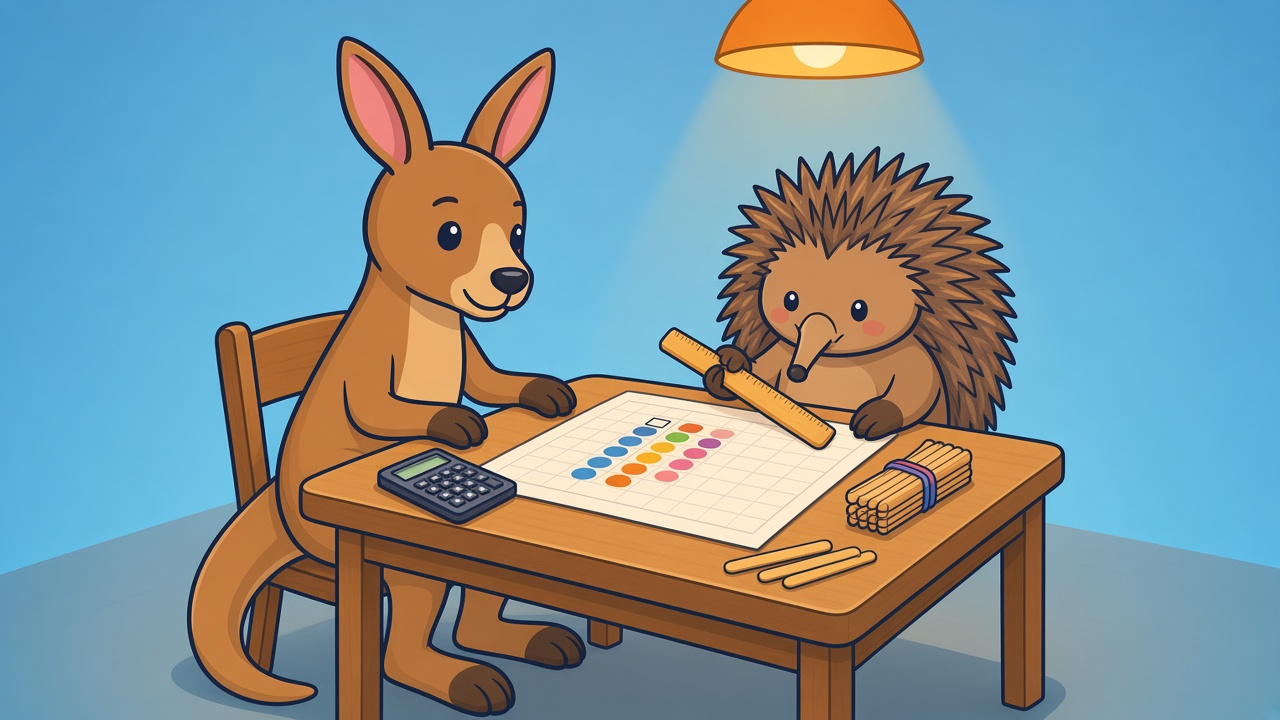
For days when your child wants to line numbers up and work from the right, there’s the big maths sheet: six stacked addition and subtraction sums, two or three digits, worked column by column, with a place to write a carry and a tap to cross out a digit when borrowing.
For grown-ups
One account, one PIN, a device the kids can hold
A grown-up signs up, verifies their email and sets a four-digit PIN. Children never need a password. Switching between children asks for the PIN, and the grown-ups area locks itself after 30 minutes (or whenever you lock it), going straight back to your child’s home screen. The tablet can live in the kitchen while settings, reports and siblings’ scores stay with you. Two-factor authentication and passkeys are available for your own sign-in.
A profile that matches your child’s age
Add your child’s name, birthday and the subjects to practise. Topics switch on by age: counting and letter sounds early, fractions and tenses later, algebra and chemical changes for older children. You can turn a topic off, add one they’re ready for, and choose how many activities land each morning (from 4 to 12 per subject).
New activities every morning
At 6:00 in your family’s time zone, QuoKid builds the day. On the Free plan, questions come from a shared pool for that subject and age, skipping anything your child has seen in the last week. No packs to download, and no deck of cards to memorise.
Rewards your family will actually give
You write the rewards: an extra bedtime story, picking tonight’s dinner, Friday movie night, a trip to the park. Choose whether each one is for stars today, stars this week or a streak. Set the same reward every day or a different one for each weekday, and either assign it or offer a few and let your child choose. Nothing appears for your child until you publish it. When the target is hit, the reward shows up ready to give, and you mark it delivered once the story’s been read. QuoKid keeps the score. You keep the promise.
A week you can actually read
The progress view shows the last seven days: a percentage per subject, every session with the question, the answer given and how many seconds it took, plus a pace view of fast and slow answers. A short note calls out topics that are sticking and topics that are still tricky, and today’s misses are listed on their own. In one look, you know whether phonics is landing and which question to chat about at dinner.
An evening report
Turn on a daily email and choose the address and time it arrives. It covers what was finished, stars, streak, subject scores, the questions that were missed and what tomorrow is set up to practise. You can have one note per child or a single note for the family. It’s the “how did homework go?” that doesn’t need a login after bedtime.
Free and Family
Free ($0) is for one child. It includes a fresh set of activities every morning for their age across all four subjects, stars, streaks, the big maths sheet and a daily report.
Family ($4.99 a month or $49.99 a year, in Australian dollars) is for the whole household, with up to five children, each with their own name, age, topics, animal friend, stars and streak. On Family, each child’s activities are written around their own results. The questions lean towards topics they’ve been missing, include a slightly harder step when recent work is strong, and are set in their chosen interest (same maths, different scenery). The level moves with them too. A run of strong days steps tomorrow up, and a couple of shaky days ease it back so they can practise. Family also calls out strengths and focus areas from each child’s results.
Family starts with a 7-day free trial. The yearly plan saves $9.89 and works out at $4.17 a month. You can cancel from the billing portal. If you’re not sure, start on Free and get a feel for the morning routine before you upgrade.
Trust and privacy
Plain-language terms and privacy. Our terms and privacy note use the same words on this site and in the app, and we update them as the product changes. A QuoKid account is for your own family, not a class set.
A record you can clear. You can wipe one child’s scores, stars, streak and activity history, and their working level goes back to their birthday age. Handy for a fresh start at the beginning of term, or after a sibling borrowed the tablet.
No ads, no chat, no leaderboards. QuoKid has no ads, no chat between users and no public leaderboards. Stars and streaks are your child’s own, and the progress view sits in the grown-ups area.
Grown-ups stay in charge. The PIN keeps settings and other children’s results with the adult, and children’s scores stay on their own profile.
We watch the mornings. Our team has a view of each morning’s generation runs, so if a day’s activities ever fail to appear, we can see why rather than guess.
What’s next
You can sign up today at learn.quokid.com. QuoKid is on the web for now, with mobile apps to follow. We’ll keep posting practical guides here for parents, on things like times tables, spelling, column sums and kitchen science.
FAQ
How do we get started?
Sign up at learn.quokid.com, verify your email, set your PIN and add your child. From then on, a fresh set of activities is ready at 6:00 each morning in your time zone.
How much does QuoKid cost?
Free is $0 for one child. Family is $4.99 a month or $49.99 a year (Australian dollars) for up to five children, with a 7-day free trial. The yearly plan saves $9.89 and works out at $4.17 a month.
Is there an app for phones and tablets?
QuoKid is on the web for now, so it works in the browser on most tablets, laptops and computers. Mobile apps will come later.
What ages is QuoKid for?
QuoKid is for children aged 5 to 11. Topics switch on based on your child’s birthday, from counting and letter sounds for younger children through to fractions, tenses, algebra and chemical changes for older ones, and you can adjust them.
Does my child need their own account or password?
No. One grown-up account covers the family, and children never need a password. A PIN keeps the grown-up areas with the adult.
How long does a session take?
You choose, from 4 to 12 activities per subject each morning. For most families that’s a few minutes per subject.
Does QuoKid replace school homework?
No. QuoKid is extra practice that sits alongside school, not a replacement for your child’s teacher or class work.
Practise this with quokid
Daily activities matched to your child's level. Free for one child.